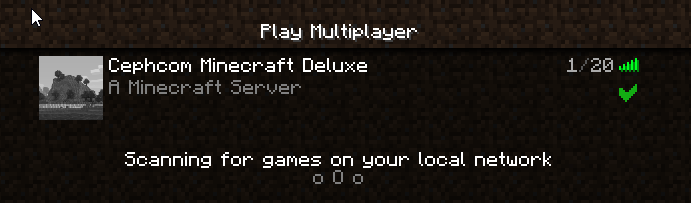
About Our Server
Welcome to our Minecraft server! We're glad to have you. Below you'll find links to our plugins and detailed instructions on how to add them to your game. Enjoy your stay!
How to Add Modpack
Follow these steps to add the plugins to your Minecraft server:
-
Install Minecraft Forge: Choose "Install Client" and click "OK."
Curse Forge Installer Download -
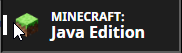
Open Minecraft Launcher: Choose "Java Edition."
-
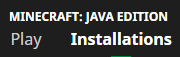
Select Installations: Click on the "Installations" tab.
-
Access Forge Folder: Click the folder icon next to the new Forge installation.

-
Copy Files: Extract all the files from the downloaded zip and copy them to this folder.
Modpack Download -
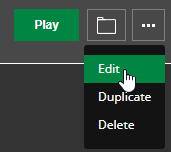
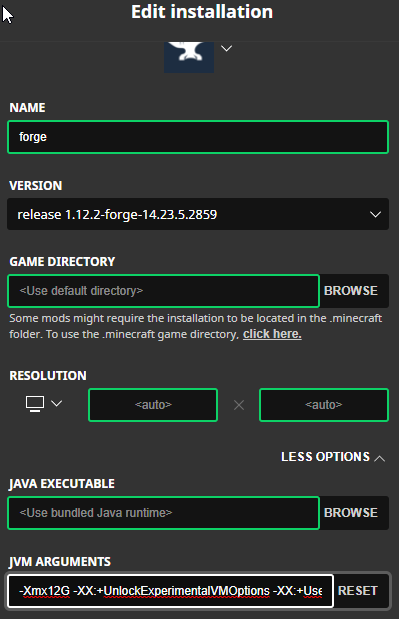
Edit Installation: Click the three dots next to the Forge installation and select "Edit."
-
Advanced Options: Enable advanced options and change the `-Xmx2G` setting to `-Xmx8G` or `-Xmx12G` for more memory.
-
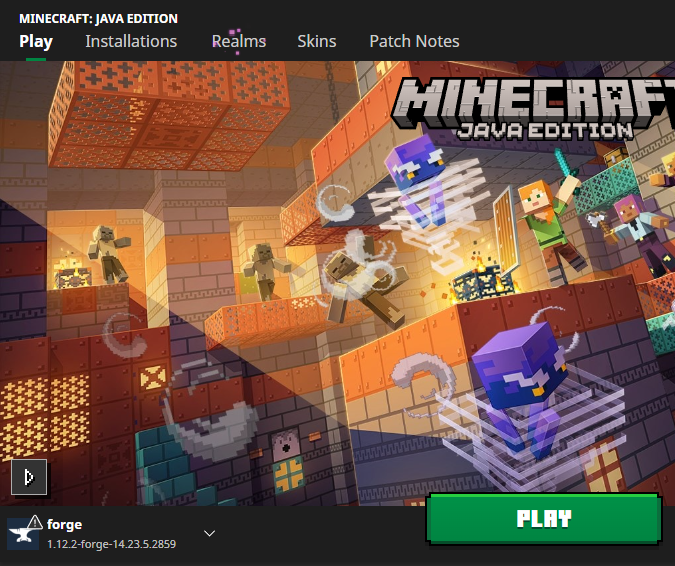
Play with Forge: Make sure the Forge profile is selected, then click "Play."
-
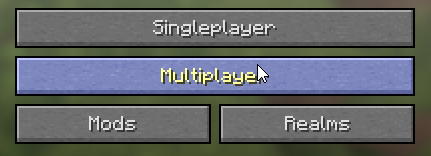
Multiplayer Mode: Choose "Multiplayer" from the main menu.
-
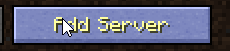
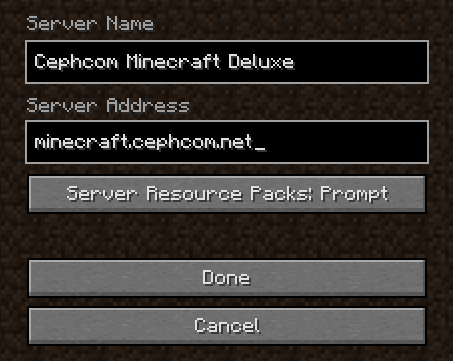
Add Server: Click "Add Server."
-
Enter Server Details: Input the server information (e.g., `minecraft.cephcom.net`) and click "Done."
-
Join the Fun: Your server should be ready. Enjoy your new plugins and configurations!